This page lists what the current version really does — no more, no less. If something here doesn't work as described, that's a bug, and we'd like to hear about it.
Notes are files
Each note is a UTF-8 text file with the .md extension. The file name is the note's title: Flour suppliers.md is the note “Flour suppliers”. Notes in subfolders are picked up too and shown with their folder.
Blocknotik keeps no database and writes nothing next to your notes except the .trash folder when you delete something. Hidden files and folders (names starting with a dot) are ignored.
Files changed by other programs show up within a second: the list is re-read whenever you open a note, search or come back to the window.
$ ls ~/Blocknotik
'Flour suppliers.md' 'Sourdough log.md' Welcome.md work/
$ cat "~/Blocknotik/Flour suppliers.md"
Flour suppliers
#kitchen #shopping
The mill at the Saturday market
Corner shop, only on Tuesdays</code></pre> </div> </div>
Editor and preview
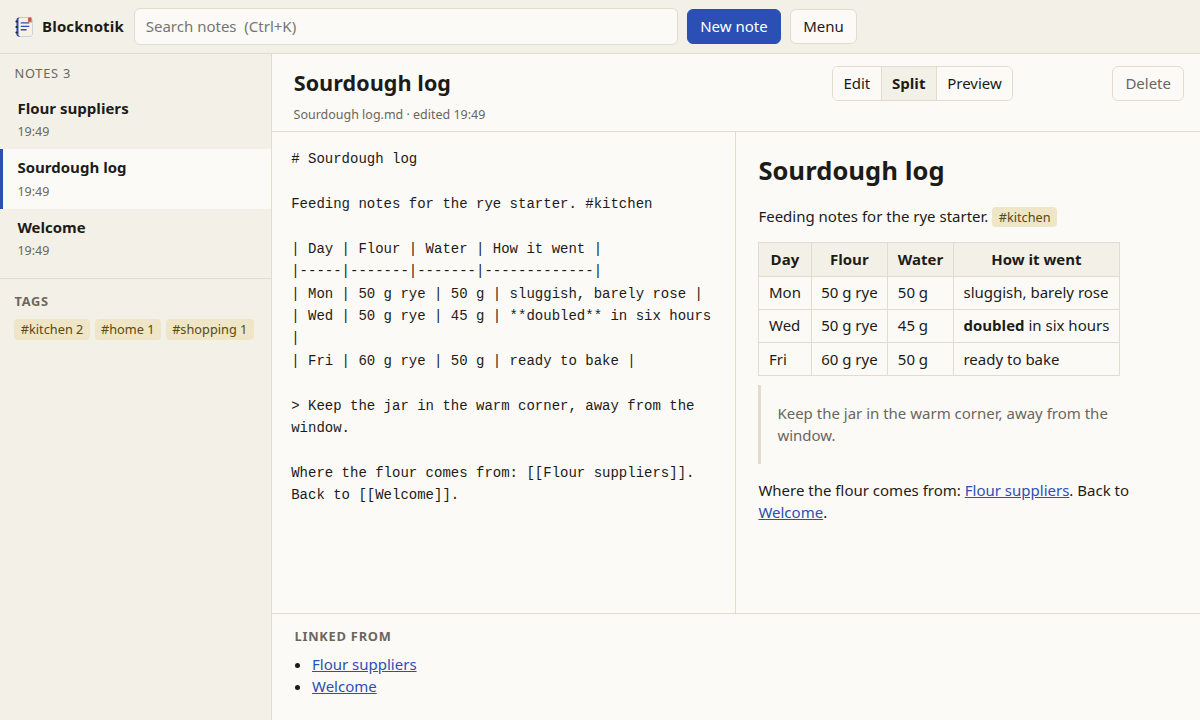
Three modes: Edit (text only), Split (text and preview side by side) and Preview. Switch with the buttons or Ctrl+E. The preview follows your typing.
Saving is automatic, 0.7 seconds after you stop typing; Ctrl+S saves at once. The editor is a plain text field on purpose: what you type is exactly what ends up in the file.
Supported Markdown: headings, emphasis, strikethrough, lists and task lists, quotes, code blocks, tables, links, images from the notes folder. Full syntax
A note open in the editor: Markdown on the left, preview on the right, backlinks at the bottom
Links and backlinks
Put a note's title in double square brackets to link to it. Case doesn't matter. A link to a note that doesn't exist yet is shown in red; click it and the note is created.
Below every note, Linked from lists the notes that point to it — handy for finding where an idea was mentioned.
Ordinary Markdown links to other notes, like [see here](Other note.md), work in the preview as well.
[[Sourdough log]] link to a note
[[Sourdough log|my starter]] with your own text
[[Sourdough log#Feeding]] to a heading
[[#Feeding]] heading in this note
[[work/Quarterly report]] note in a subfolder
Tags
A tag is a word after #, anywhere in the text: #kitchen, #to-read, #work/reports. Tags inside code are ignored, and #2024 is not a tag (a tag needs at least one letter).
The sidebar shows all tags with the number of notes. Clicking a tag searches for tag:kitchen. Searching for a parent tag also finds its children: tag:work finds #work/reports.
Meeting with the printer. #work/print #todo
[ ] send the final PDF
[x] agree on paper</code></pre> </div> </div>
Search
The search box looks through titles and text of all notes as you type. Results are ordered by relevance: notes with the word in the title come first, then notes where it occurs more often, then newer notes. Matches are highlighted in a short excerpt.
Search is case-insensitive, treats ё as е and ß as ss, and matches parts of words, so rye also finds ryes. Search syntax
rye starter both words, anywhere
"rye flour" exact phrase
rye -bread without "bread"
tag:kitchen notes tagged #kitchen
#kitchen -tag:shopping tag, but not the other
Renaming and deleting
Change the title at the top of a note and press Enter. The file is renamed, and [[links]] to it in all other notes are rewritten — including links with a heading or their own text. Links inside code blocks are left alone.
Delete moves the file into .trash inside the notes folder, with the date and time in front of the name. To restore a note, move the file back.
.trash/
└── 2026-11-17_103412 Old ideas.md
Changes from other programs
If a note you have open was changed on disk by something else — a sync tool, another editor, a second copy of Blocknotik — the next save does not overwrite it. Instead a bar appears: load the version from disk, or keep yours.
This file was changed by another program since you opened it.
[ Load the version on disk ] [ Keep mine ]
Import and export
Export Markdown gives you a zip with all notes and images, folders included. Export HTML turns the notes into a small website: one page per note, links between them work, plus an index page with all tags. It opens straight from disk.
Import takes .md, .markdown and .txt files or a zip with them. Folders inside the zip are kept. Existing notes are never overwritten — a clashing name gets a number. Details
The program listens only on 127.0.0.1, so other computers can't reach it. It makes no requests to the internet: no telemetry, no update check, no fonts or images from elsewhere. Images in notes that point to the web are not loaded; the preview shows their address instead.
Other websites open in your browser can't read or change your notes either: every request needs a random key that only the Blocknotik page knows. How it works
$ blocknotik
Blocknotik 0.1.0
Notes folder: /home/anna/Blocknotik
Open in the browser: http://127.0.0.1:41873/auth?token=…
Keep this window open while you work.
Three languages, two themes
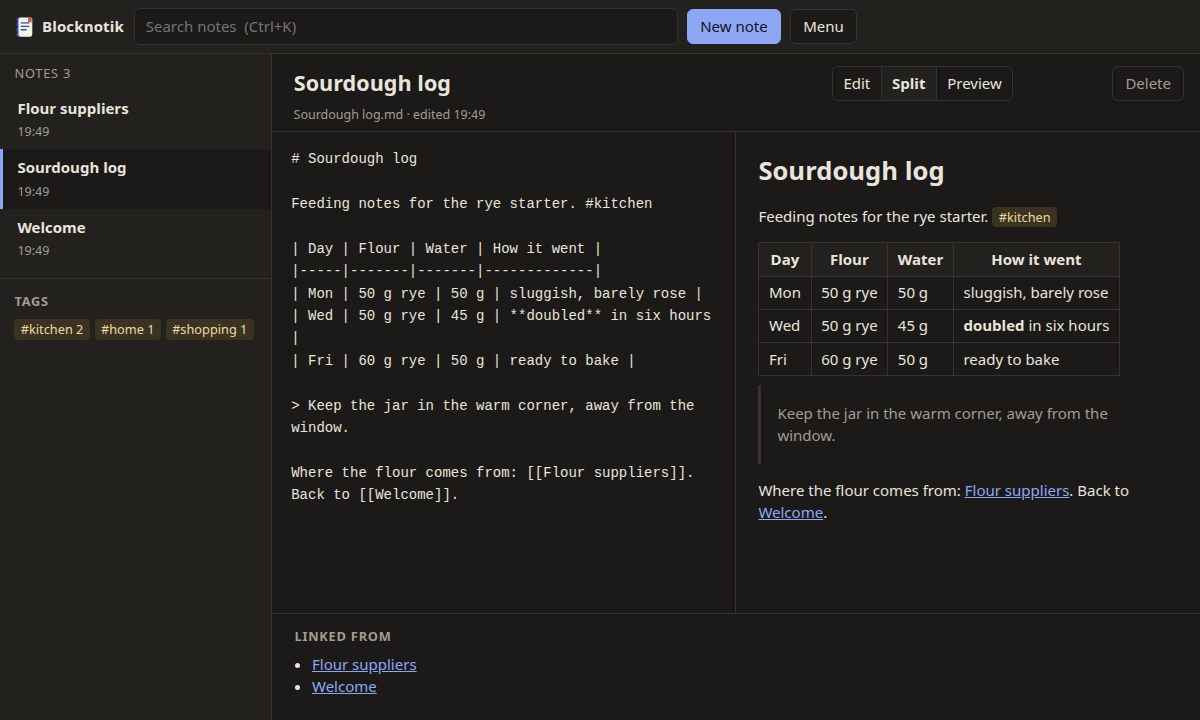
The interface speaks English, Russian and German. It picks the language of your browser; you can switch in the menu. Light or dark follows your system setting.
Light themeDark theme
Missing something?
This is version 0.1.0, the first public one. The changelog lists known limitations; if something you need isn't there, write to us.